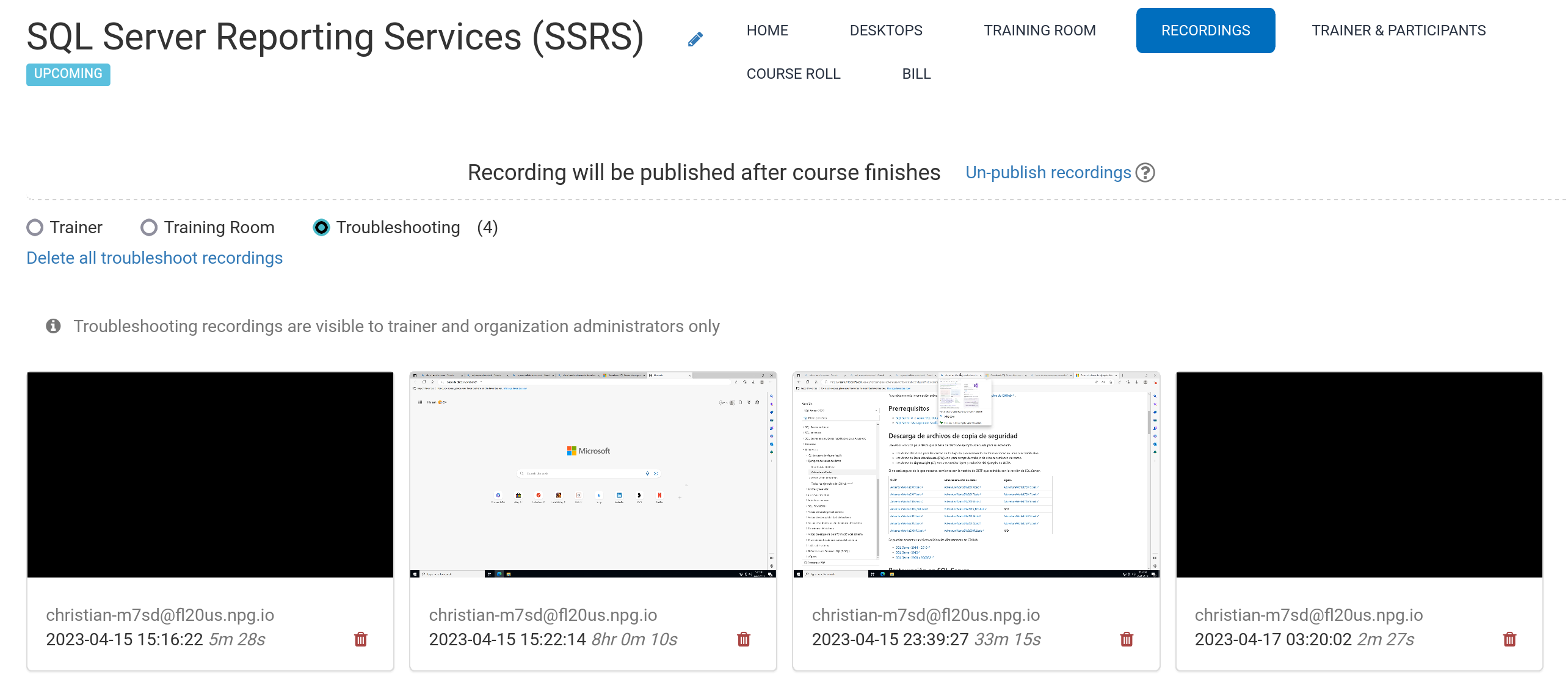
Automated Course Recording (Trainer's Desktop)
During the course, recordings are automatically generated for the Trainer's Desktop, as well as the Training Room if it is in use.
To end a recording, simply press the red button once more.
Trainers have the ability to delete recordings when needed. Additionally, troubleshooting recordings are captured automatically during course preparation; however, they are strictly utilized for diagnosing course configuration issues as necessary.
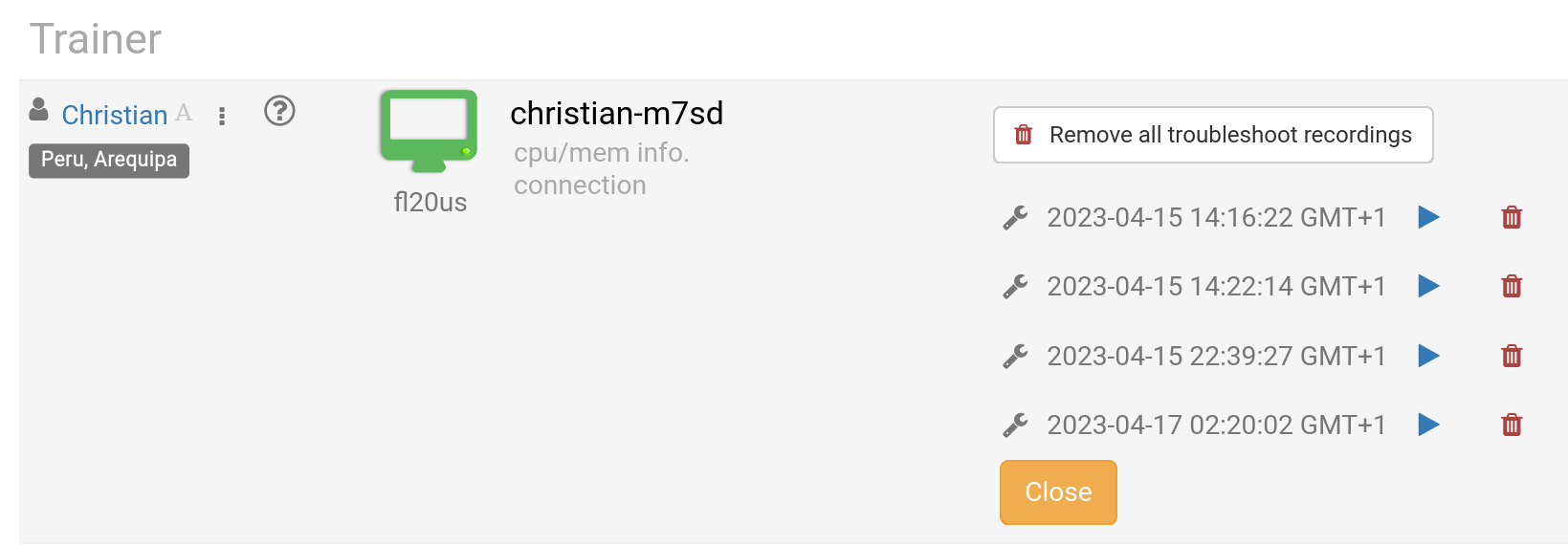
You can access your recordings under the Recording section. These are categorized into three distinct types:
- Trainer
- Training Room
- Troubleshooting
Only recordings of the Trainer and Training Room types are permitted for external publishing.